Shipping broken code to production is one of the most expensive mistakes a software team can make, and it happens far more often than it should. Staging in software development exists specifically to catch those problems before real users ever encounter them. Understanding how staging environments work, and why they deserve serious investment, is essential for any team building software that needs to be reliable.
What Staging Actually Means in Software Development
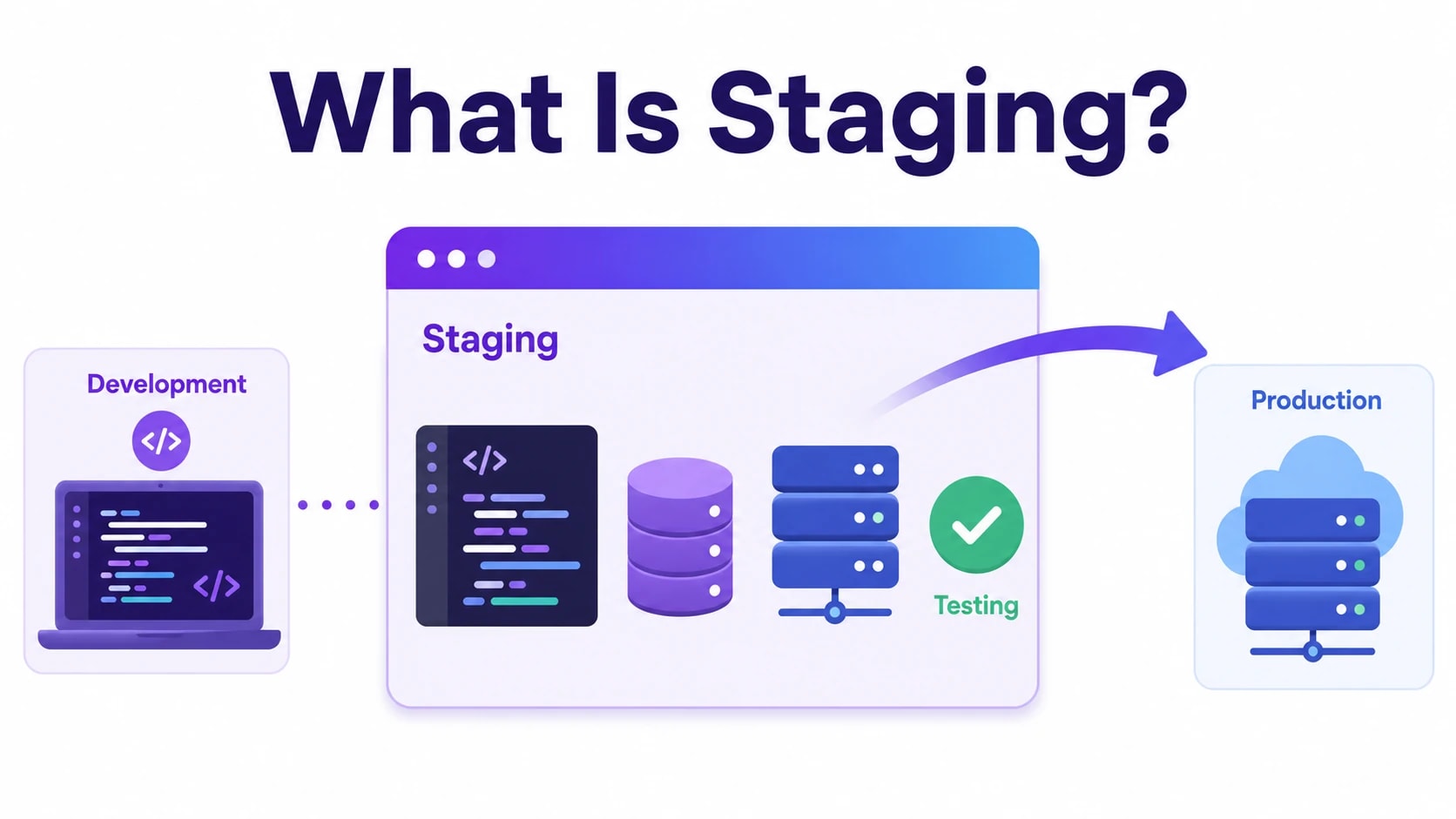
A staging environment is a near-identical replica of your production environment used to test software changes before they go live. It sits between your development or testing environment and the live system your customers use. The core purpose is simple: give your team a safe space to validate that new code, configuration changes, or third-party integrations behave exactly as expected under real-world conditions.
In practice, staging mirrors production as closely as possible. That means the same server configuration, the same database structure, the same environment variables, and ideally a sanitized copy of production data. When your staging environment closely matches production, any bugs or conflicts that appear there are bugs you caught before they affected paying customers.
The word “staging” comes from theatre, where a production is staged and rehearsed before opening night. The analogy holds up well. Just as you would not perform a play for an audience without a dress rehearsal, you should not deploy code to users without running it through a staging environment first.
Different teams structure staging differently depending on their workflow. Some organizations maintain a single staging server shared across the team. Others use feature-specific staging branches or ephemeral environments that spin up on demand and shut down after testing is complete. The right approach depends on the size of the team, the complexity of the application, and how frequently releases happen. But the principle remains the same regardless of scale: test in an environment that behaves like production before you touch production.
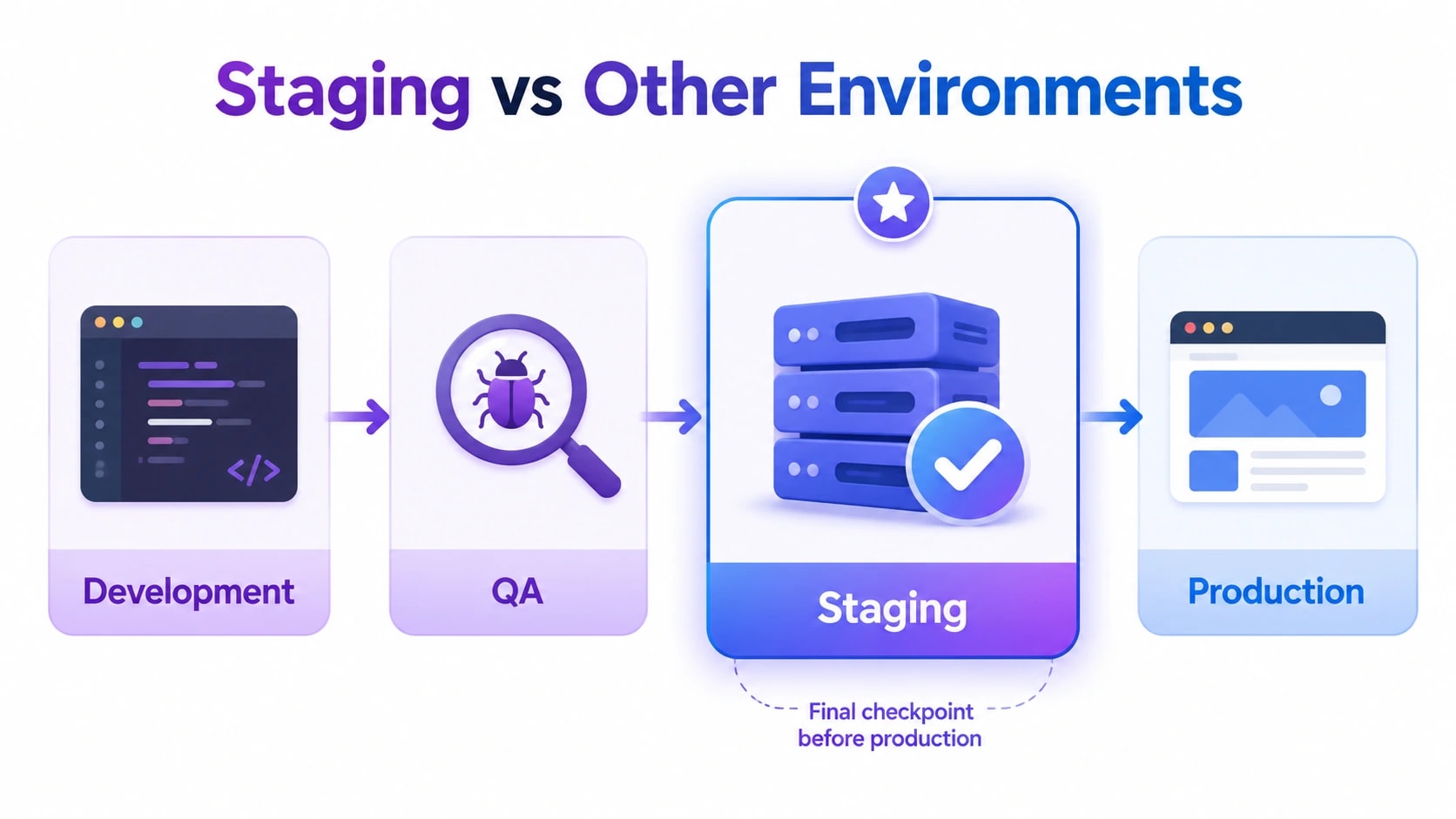
It is also worth noting what staging is not. It is not a development environment where individual engineers write and test their own code locally. It is not a QA sandbox used for exploratory testing of incomplete features. Staging is specifically the final checkpoint before deployment, the last line of defense between your development process and your users.
Why Staging Environments Reduce Real Costs and Business Risk
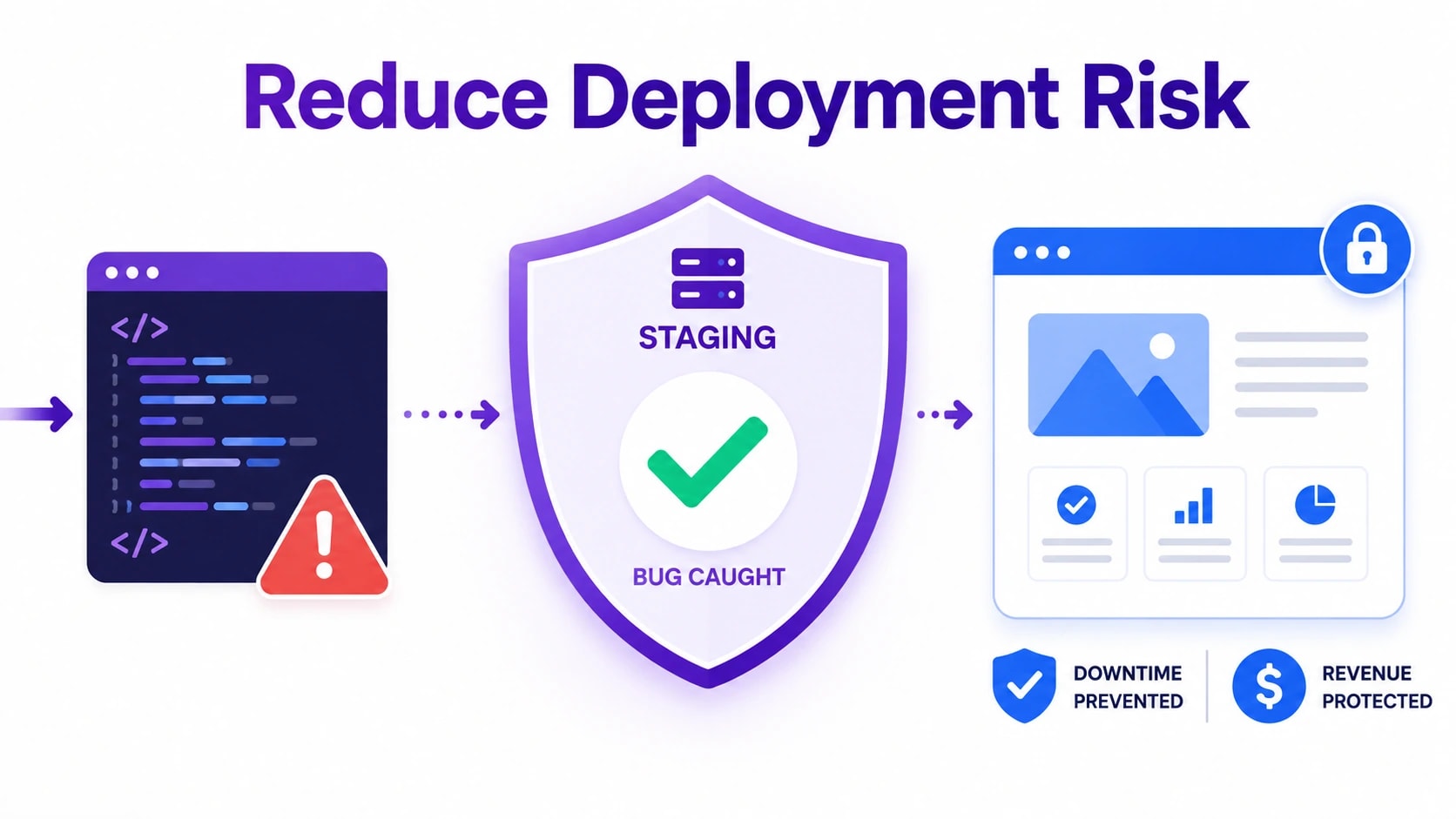
The business case for maintaining a staging environment is straightforward when you look at what production incidents actually cost. A bug that reaches live users does not just create a technical problem. It creates a customer experience problem, a support burden, a potential data integrity issue, and in some cases a compliance or legal exposure. The engineering time required to diagnose and fix a production issue under pressure is almost always greater than what it would have taken to catch the same bug in staging.
Downtime has a measurable price. For SaaS products and e-commerce platforms especially, every minute of degraded service translates directly into lost revenue and damaged trust. Customers who encounter broken features or error pages do not always come back, and they frequently share their experience. A staging environment is not an optional quality measure. It is a financial safeguard.
Beyond outright bugs, staging protects against a category of problems that are harder to detect in isolated testing: integration failures. Modern web applications depend on payment processors, email services, analytics platforms, authentication providers, and dozens of other external systems. These integrations often behave differently under real load or with real credentials than they do in a mocked development environment. Staging lets you validate those connections with production-equivalent settings before anything goes live.
There is also a confidence factor that is difficult to quantify but easy to feel. Development teams that ship through a proper staging process move faster, not slower. They spend less time second-guessing deployments and more time building. When engineers and product managers trust their release process, they are more willing to ship frequently, which is itself a competitive advantage for any software business.
For teams building custom software or SaaS products on tight timelines, staging is one of the highest-return investments available. The cost of maintaining an additional environment is modest compared to the cost of a single production incident that could have been prevented.
If you’re considering external development support, our guide to hiring a software contractor explains what to look for before signing a contract.
How to Set Up a Staging Environment: Step-by-Step
Setting up a staging environment that actually mirrors production requires more than spinning up a server and copying files. The goal is to replicate every meaningful component of your live system, including infrastructure, environment variables, third-party integrations, and data, so that any test you run in staging produces results you can trust. Cutting corners here is what leads teams to discover critical bugs only after deployment.
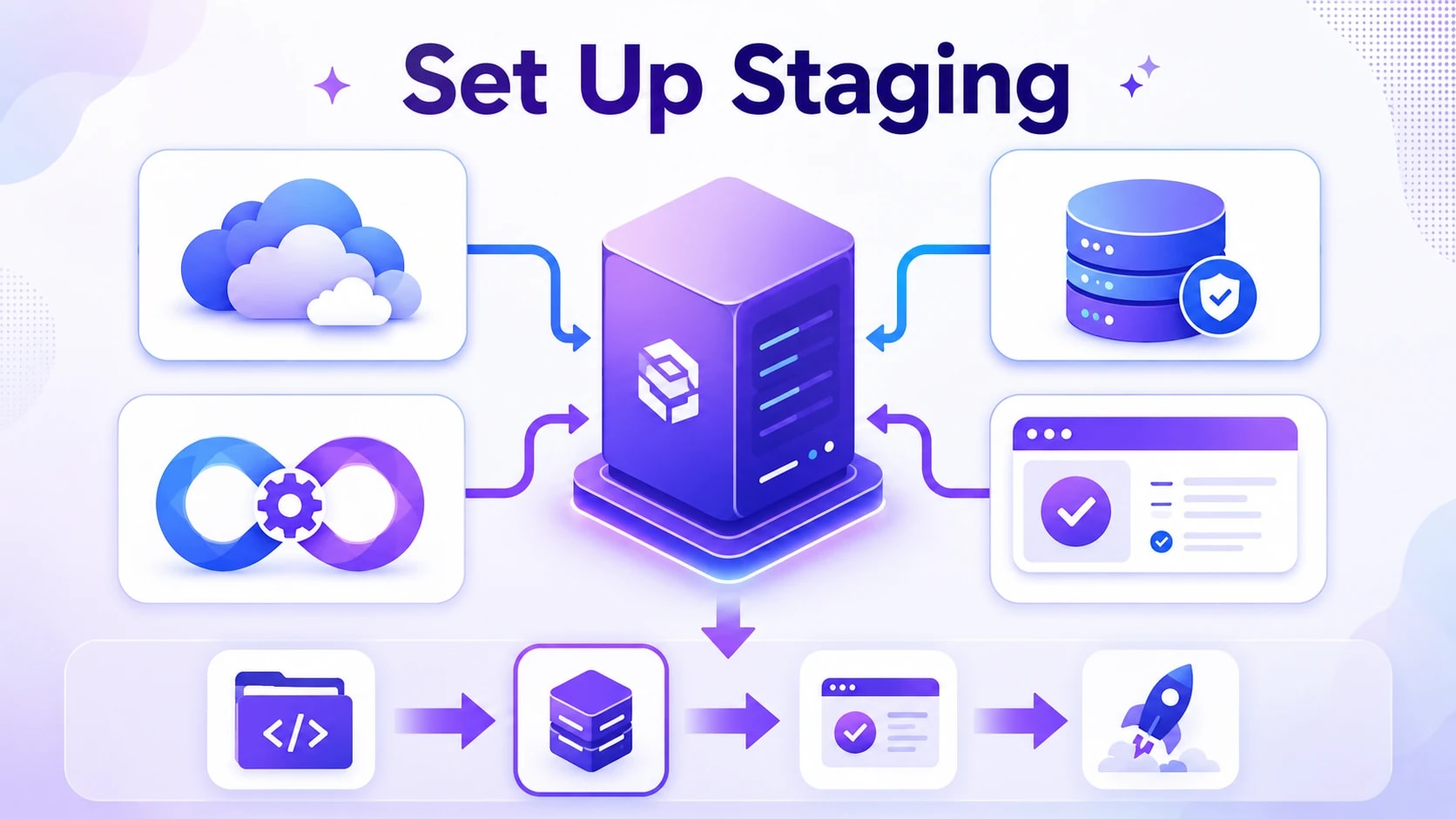
Start by provisioning infrastructure that matches production as closely as possible. If your production environment runs on a specific cloud instance type, operating system version, or container configuration, staging should match it. Use infrastructure-as-code tools like Terraform or Ansible to define your environment so both staging and production are built from the same blueprint. From there, configure your CI/CD pipeline to automatically deploy to staging whenever code is merged into your main branch, which keeps the environment current without requiring manual intervention.
Once infrastructure is in place, focus on data and service configuration. Staging needs realistic data to catch real problems, but it should never contain actual user data unless it has been properly anonymized. Use data masking or synthetic data generation tools to create a dataset that reflects production volume and structure. Then work through the following setup checklist to make sure nothing is missed:
Mirror environment variables: Use staging-specific values for API keys, database connection strings, and feature flags, but keep the same variable names and structure as production.
Connect to sandbox versions of third-party services: Payment gateways, email providers, and analytics tools almost always offer test modes, and staging should use them.
Set up automated testing pipelines: Run unit tests, integration tests, and end-to-end tests automatically on every staging deployment.
Configure monitoring and logging: Staging should have the same observability stack as production so you can catch performance regressions before they go live.
Restrict access: Protect staging with authentication or IP allowlisting to prevent accidental exposure of pre-release features or anonymized data.
Establish a deployment approval process: Define who can promote code from staging to production and what criteria must be met before that happens.
Best Practices for Managing a Staging Environment
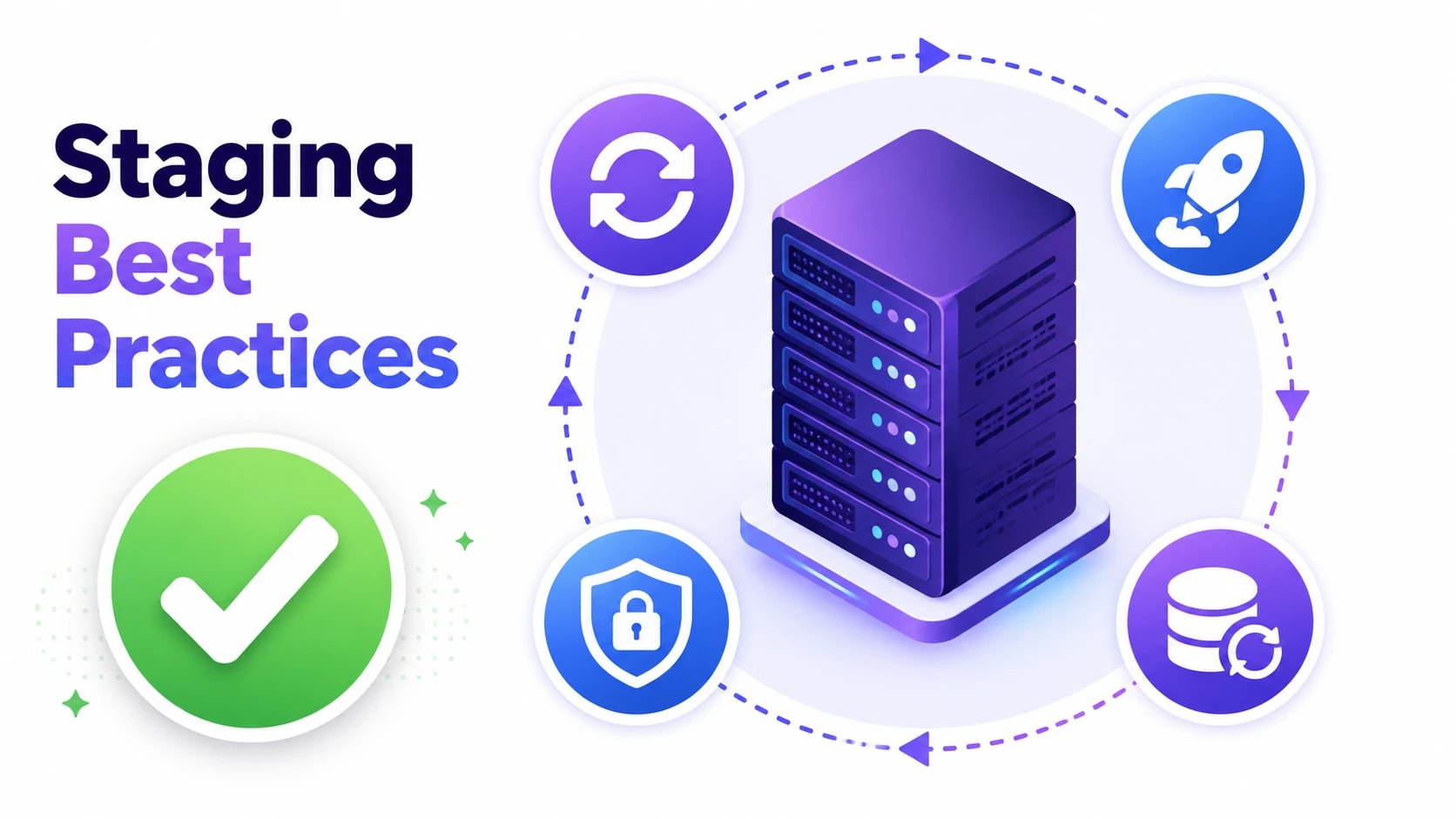
A staging environment is only as useful as the discipline behind it. Without clear processes, teams end up with a staging server that drifts from production, hosts stale data, or gets skipped entirely when deadlines loom. Following proven practices keeps staging reliable and genuinely protective.
Keep staging as close to production as possible. Use the same server configuration, environment variables, database engine version, and third-party service credentials. Any gap between the two environments is a gap where bugs can hide.
Automate deployments to staging. Tie staging deployments to your CI/CD pipeline so every merged branch triggers an automatic build. Manual deployments introduce human error and make it easy to forget a step.
Refresh staging data regularly. Use anonymized or synthetic snapshots of production data on a scheduled basis. Stale data leads to tests that pass in staging but fail against real-world content in production.
Restrict access carefully. Staging should not be publicly accessible. Use IP allowlisting, basic authentication, or VPN access so only the team can reach it, reducing the risk of confusion with the live site.
Run the full test suite before promoting to production. Automated unit tests, integration tests, and end-to-end tests should all pass in staging before a release is approved. No green light, no deployment.
Document and communicate staging status. If staging is being used for a specific release cycle, let the whole team know. Overlapping deployments from multiple developers can corrupt the environment and waste QA time.
Reset staging after each release cycle. Once a release goes live, redeploy staging from the latest production state. This prevents residual test data or configuration changes from interfering with the next cycle.
Staging vs Other Environments: A Direct Comparison
Most software projects use several environments simultaneously, and understanding what each one is for helps teams avoid misusing them. Staging is often confused with development or UAT environments, but each serves a distinct purpose in the release pipeline.
Environment
Primary Purpose
Who Uses It
Matches Production
Development (Local)
Active coding and experimentation
Individual developers
Rarely
Integration / QA
Testing combined feature branches
QA engineers
Partially
Staging
Final pre-release validation
QA, developers, stakeholders
As closely as possible
UAT
Client or end-user acceptance sign-off
Business stakeholders, clients
Yes, often shares staging
Production
Live application serving real users
End users
It is production
Some smaller teams combine staging and UAT into a single environment to reduce infrastructure costs. This is acceptable as long as the environment still mirrors production accurately and access is controlled. What teams should never do is skip staging entirely and push directly from development to production, as this removes the last safety checkpoint before real users are affected.
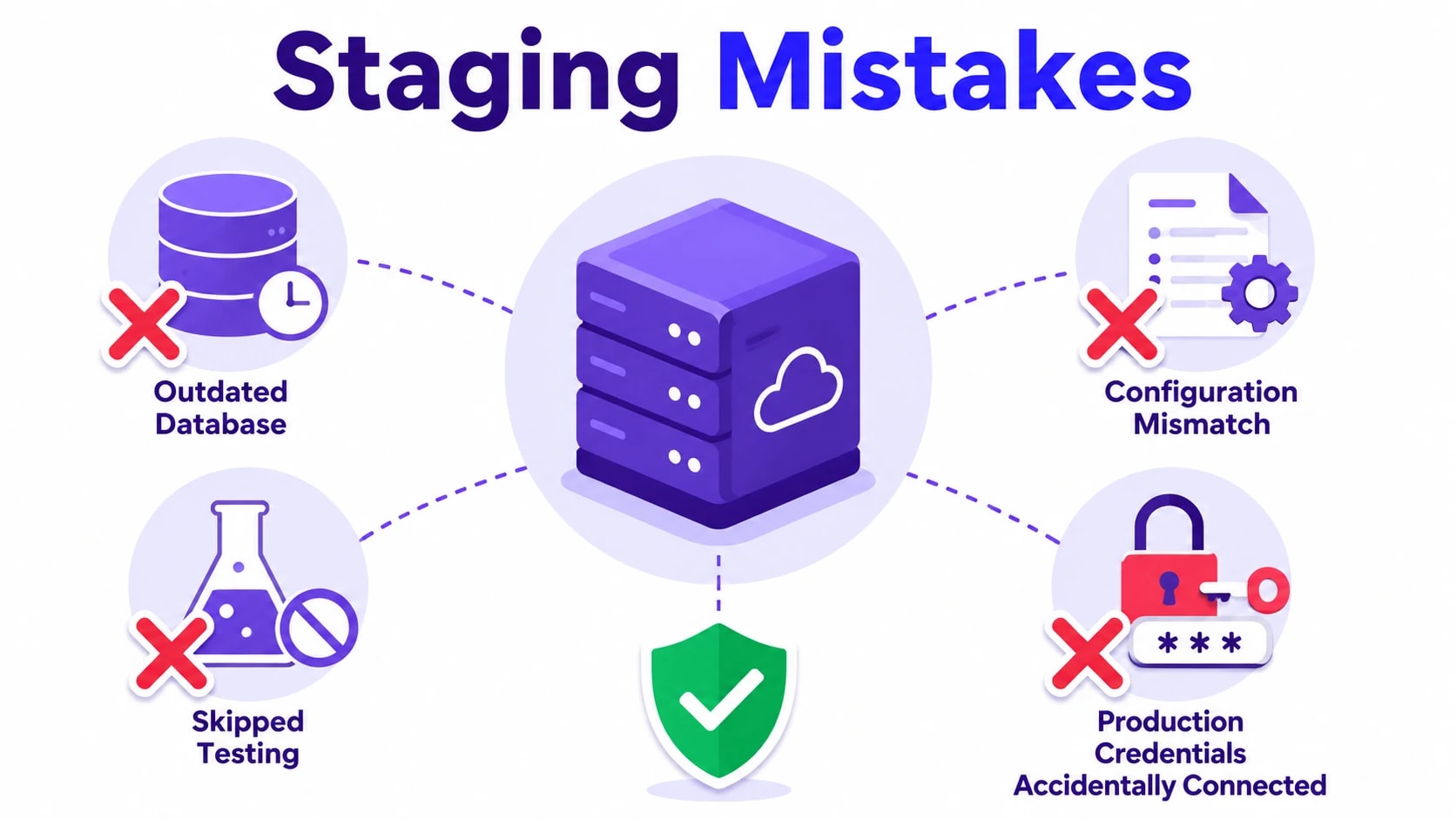
Common Staging Mistakes and How to Avoid Them
Even teams that invest in staging environments can undermine their value through avoidable errors. Recognizing these pitfalls early saves time, prevents incidents, and makes the staging process genuinely effective rather than a checkbox exercise.
Using outdated data: Testing against months-old database snapshots means your results do not reflect real usage patterns. Schedule regular data refreshes using anonymized production exports.
Skipping staging under pressure: Release deadlines tempt teams to push directly to production. This is exactly when staging matters most. A quick broken deployment costs far more time than a staged review.
Configuration drift: Staging slowly diverges from production as infrastructure changes are applied only to the live server. Treat both environments as code using infrastructure-as-code tools so changes are applied consistently.
Treating staging as a permanent demo environment: Staging should reflect the upcoming release, not a curated demo. Mixing the two purposes leads to confusion about what has actually been tested.
Not logging or monitoring staging: Without error logging and performance monitoring in staging, you lose valuable signals. Apply the same observability tooling you use in production so issues surface clearly during testing.
Shared credentials with production: If staging connects to live payment processors, email systems, or databases, a test action can trigger real consequences. Always use sandbox or test credentials for external services in staging.
Conclusion
Staging in software development is not an optional extra reserved for large teams or enterprise projects. It is a practical, cost-effective safeguard that sits between the work your developers do and the experience your users receive. By maintaining an environment that closely mirrors production, teams catch bugs early, validate deployments with confidence, and reduce the stress and risk that come with every release. The investment in setting up and maintaining a proper staging process pays for itself the first time it stops a critical bug from reaching live users.
Whether you are building a SaaS product, a custom web application, or a complex API, the right development workflow makes a measurable difference in quality and delivery speed. If your team is ready to build with better processes from the ground up, working with an experienced development partner can help you set up the right environments, pipelines, and testing workflows from day one. Reach out to Techlad to discuss how we can help you ship better software, faster and with fewer production surprises.
Frequently Asked Questions
What is the main difference between staging and production?
Staging is a private, pre-release copy of your application used for testing before going live. Production is the live environment that real users interact with. Staging should mirror production as closely as possible, but changes are validated there first before they are promoted to the live server.
Do small teams or solo developers need a staging environment?
Yes, even small teams benefit from staging. The cost of a simple staging server is far lower than the cost of fixing a broken deployment in production. Solo developers can use lightweight options like a separate branch deployment or a low-cost cloud instance to keep the workflow safe.
How often should the staging environment be updated?
Staging should be updated with every release candidate, ideally through an automated CI/CD pipeline. Data should be refreshed from production on a regular schedule, such as weekly or after each release cycle, to ensure tests reflect realistic conditions rather than outdated or synthetic content.
Can staging and UAT be the same environment?
Yes, many teams combine staging and UAT into one environment to reduce infrastructure costs. This works well as long as the environment accurately mirrors production and access is properly managed. The key is ensuring stakeholder review and technical testing both happen before any release goes live.
What happens if staging and production become out of sync?
When staging drifts from production, test results become unreliable. Bugs that staging misses can reach live users, and fixes verified in staging may behave differently in production. Using infrastructure-as-code tools and automated deployment pipelines helps keep both environments consistently aligned throughout the development cycle.


 Post by